Web Cashiering Integration
Administration > System Setup > Integration Settings
Web Cashiering is a browser-based application that integrates with Cashiering to let you accept payments in Parks & Rec without having to leave the application. The processing of payments is performed exclusively within your browser.
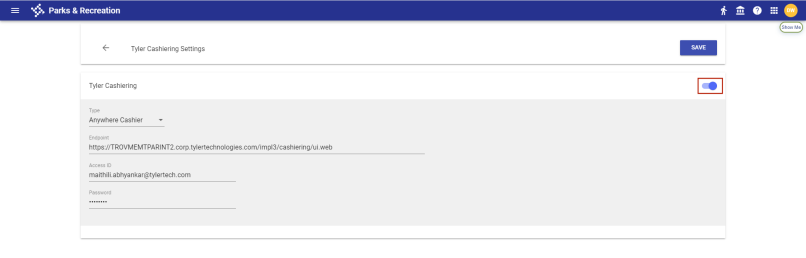
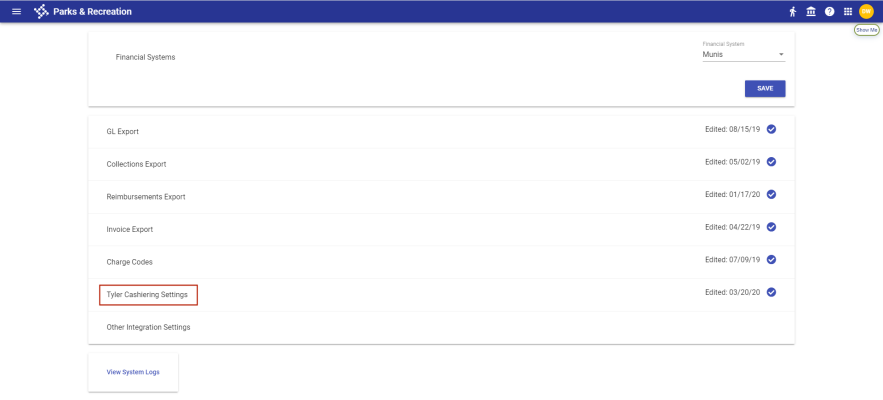
As part of this enhancement, Cashiering Settings has been moved from the Other Integration Settings page to its own page:
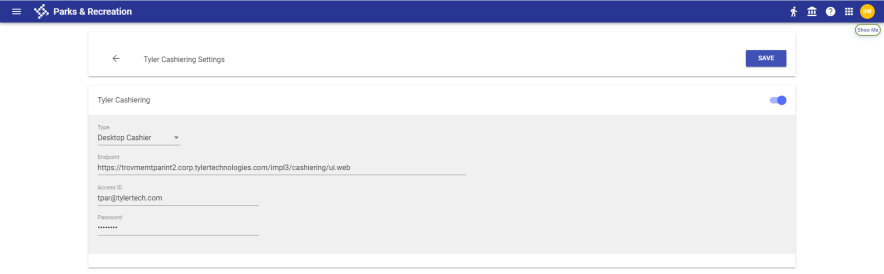
A Type drop-down has been added for selection of the Cashiering desktop application or the new web version:
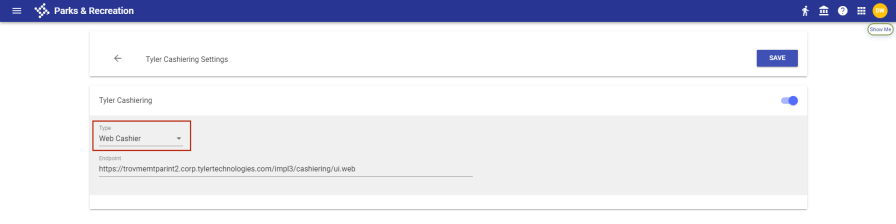
Note: The Type selected depends on the version of Cashiering installed and whether the version supports either type. The Desktop Cashier option is not supported with newer versions of Cashiering, while the Web Cashier option is not supported with older versions.
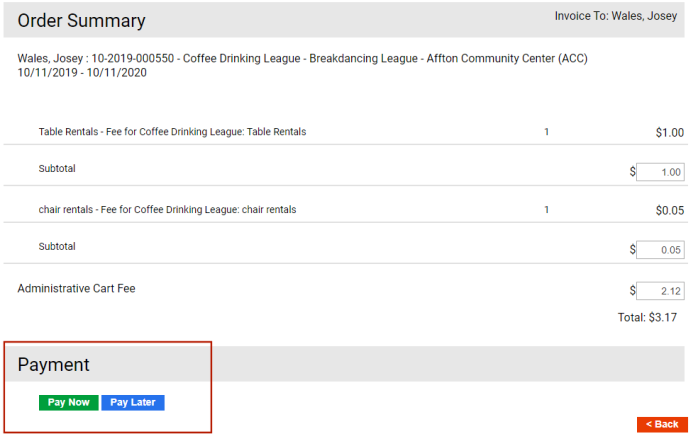
Since transactions will be handled on the new Cashiering page, the Cashiering button and the Payment Method drop-down no longer are visible during the checkout process:
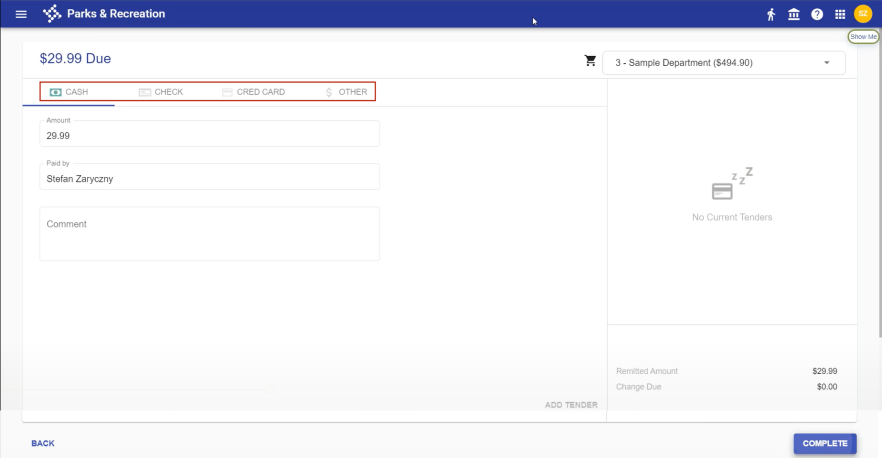
Select the tender type within Cashiering:
If a payer has a credit on account, an Account tab displays:
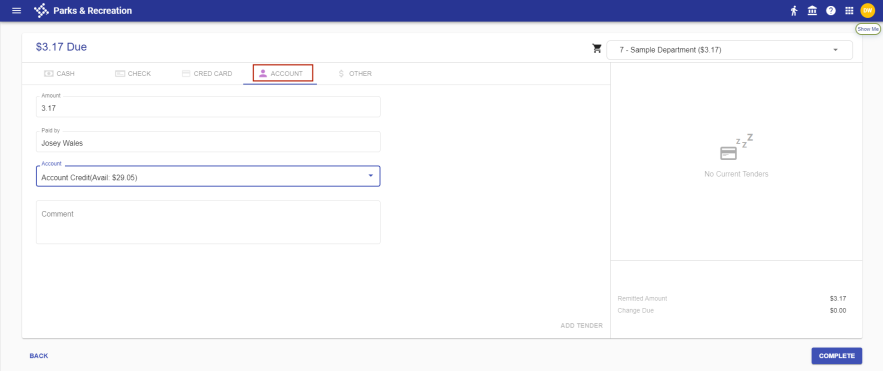
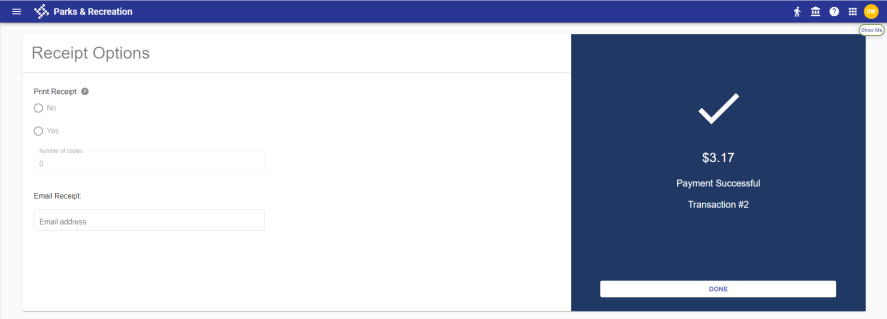
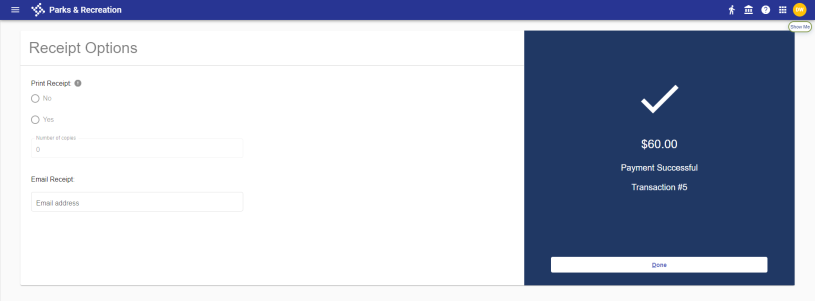
To use the credit, select the Account, and click COMPLETE. The Receipt Options page opens, showing the payment was successful and providing options to have the receipt printed or emailed:
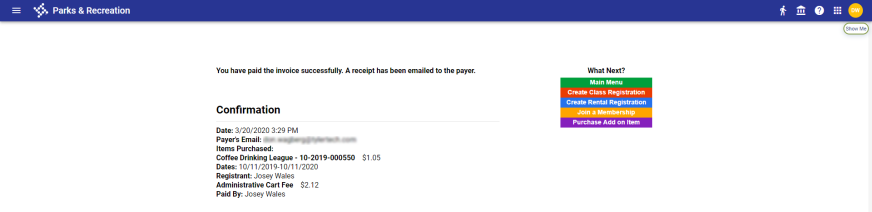
Clicking DONE takes you to the standard final page of the payment confirmation process in Parks & Rec:
 Making Split Payments with Web Cashiering
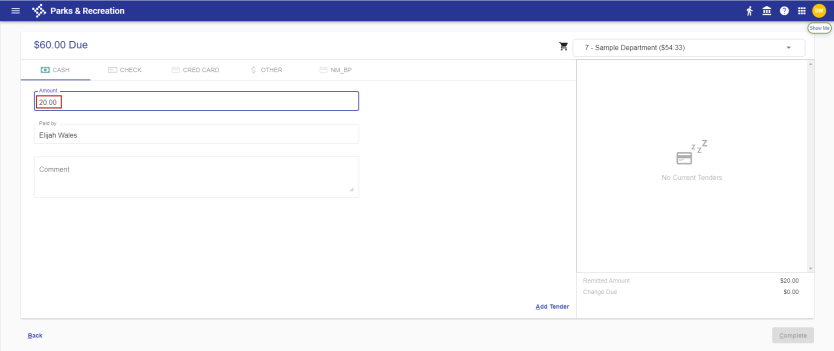
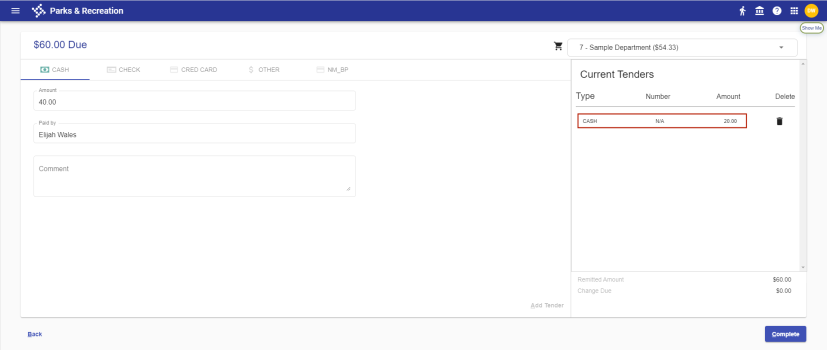
With web cashiering, you are able to make a payment using multiple tender types. The following example shows how you would complete a payment for $60.00 using cash, check and other tender type:
-
While on the CASH tab, type 20.00 (for $20.00) in the Amount field:
-
Click Add Tender:
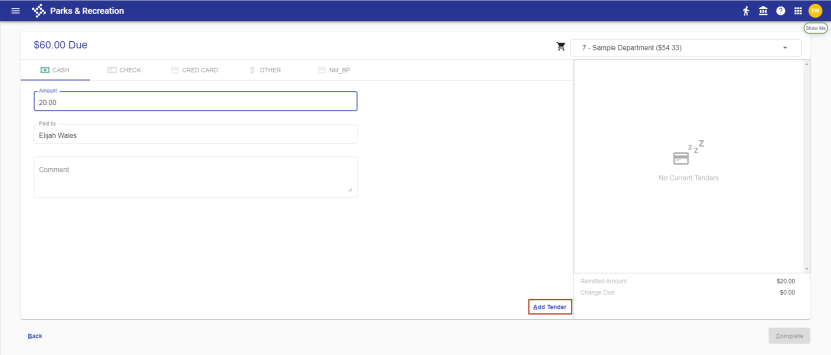
The Current Tenders panel on the right lists the $20.00 cash portion of the payment:
- Select the CHECK tab.
-
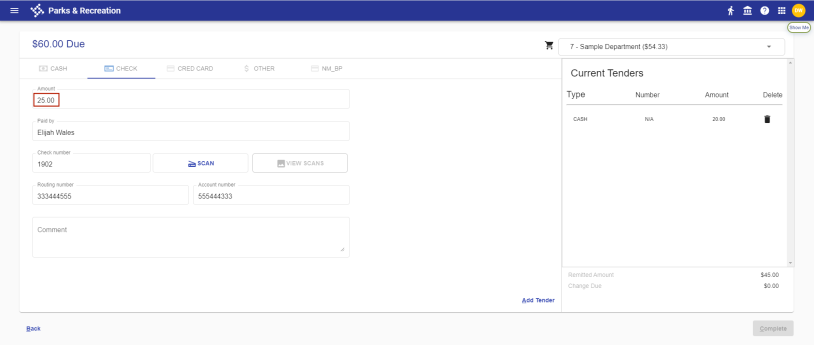
Type 25.00 in the Amount field and fill in the remaining fields:
-
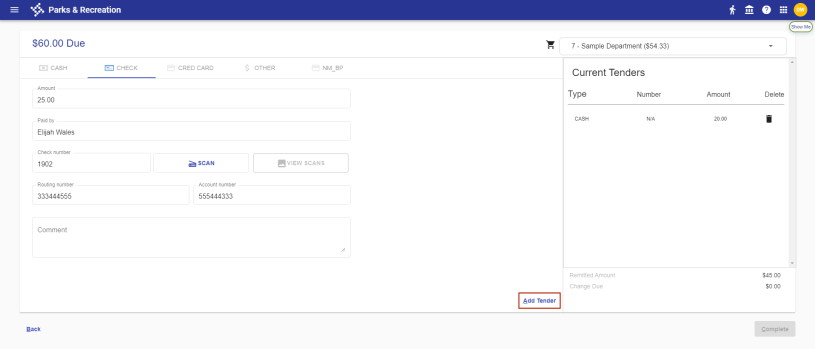
Click Add Tender:
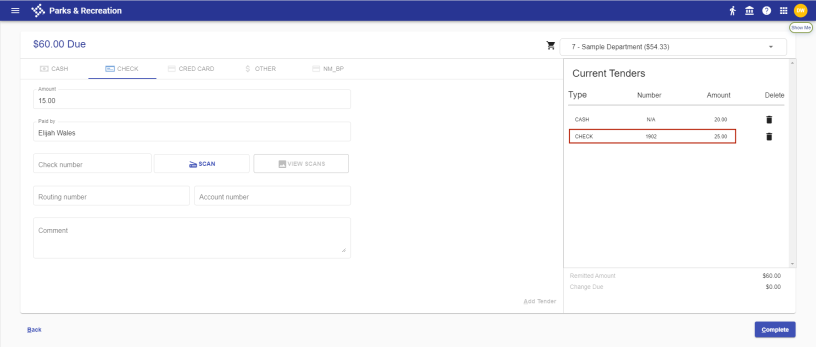
The Current Tenders panel adds the $25.00 check portion of the payment:
-
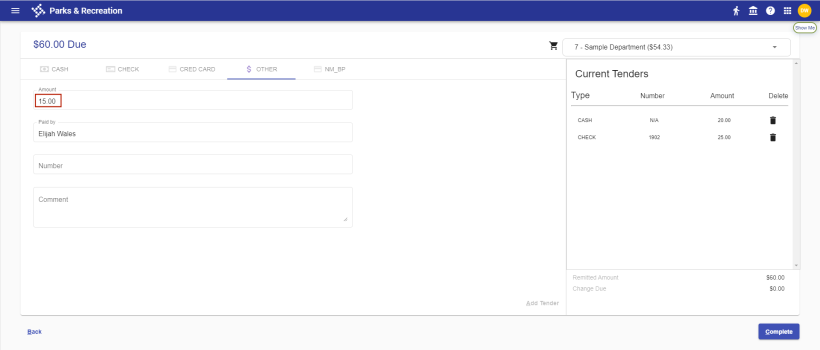
Select the OTHER tab. The Amount field shows the remaining $15.00:
-
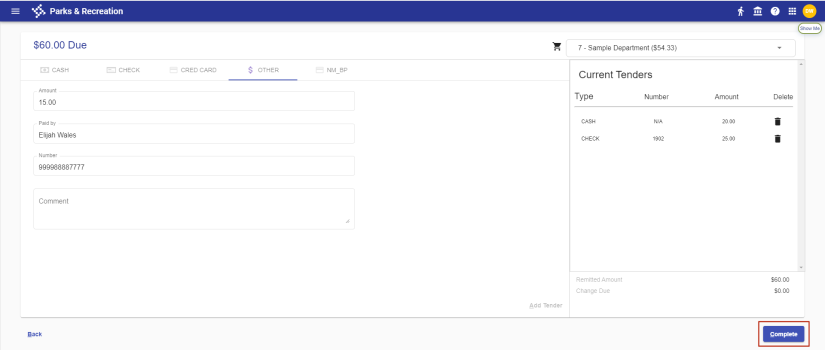
Fill in the remaining fields and click the Complete button:
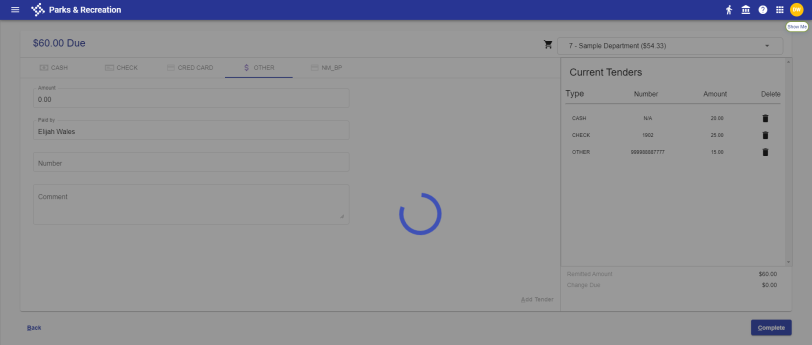
The Receipt Options page opens:
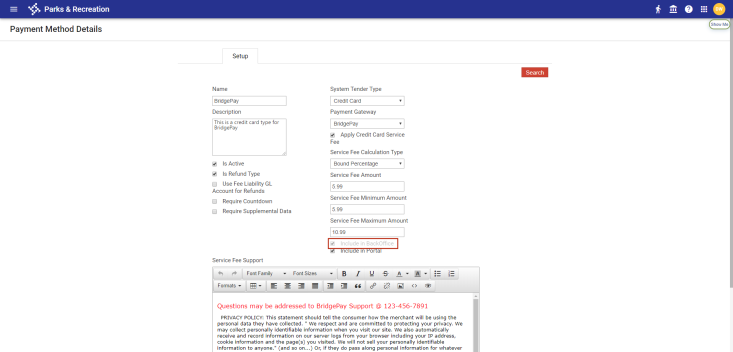
Cashiering and Include in BackOffice Service Fee
Administration > System Setup > Integration Settings > Cashiering
Administration > Cashier Setup > Payment Method > Create/Edit
If Cashiering is enabled in Integration Settings, the Include in BackOffice service fee field will be disabled on the Payment Method Details page, since the service fees are configured in Cashiering.